

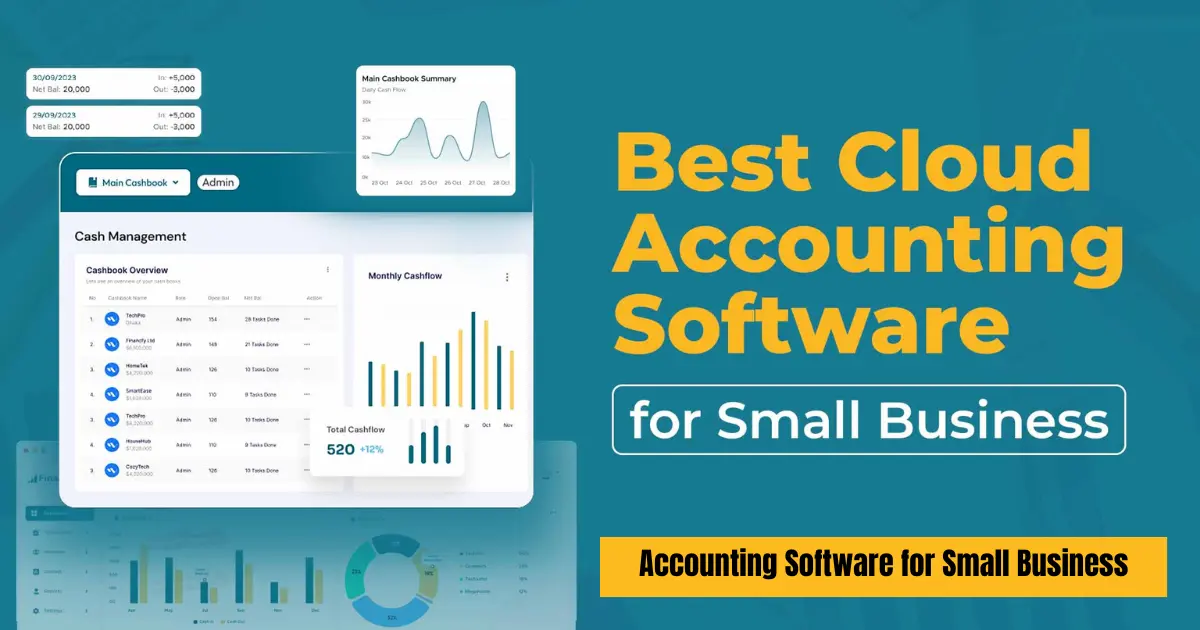
Running a small business is exciting, but managing finances can quickly become overwhelming. From tracking expenses and sending invoices to preparing taxes and monitoring cash flow, financial management is one of the most critical parts of business success. This is where accounting software for small business becomes essential. It simplifies complex financial tasks, reduces human error, and helps business owners make informed decisions in real time.
In this article, we will explore what accounting software is, why it matters, its key features, the best options available, and how to choose the right one for your business. Whether you are a freelancer, startup founder, or small business owner, this guide will help you understand how modern accounting tools can transform your financial workflow.
What Is Accounting Software?
Accounting software is a digital tool designed to record, manage, and analyze financial transactions. Instead of manually maintaining spreadsheets or ledgers, businesses can automate most accounting tasks using software.
At its core, accounting software helps you:
- Record income and expenses
- Manage invoices and payments
- Track taxes and financial reports
- Monitor cash flow in real time
- Reconcile bank transactions
Modern solutions go far beyond basic bookkeeping. They offer automation, integration with banks, payroll systems, and even AI-powered financial insights.
For small businesses, this technology is especially valuable because it reduces the need for a full-time accountant while ensuring accuracy and compliance.
Why Small Businesses Need Accounting Software
Many small business owners start with spreadsheets. While this may work in the early stages, it quickly becomes inefficient as transactions increase.
Here are the main reasons why accounting software is essential:
1. Time Savings
Manual bookkeeping takes hours. Accounting software automates repetitive tasks like data entry, invoice generation, and expense categorization.
2. Reduced Errors
Human errors in financial records can lead to tax issues or incorrect reporting. Software minimizes these mistakes through automation and validation.
3. Better Financial Insights
Instead of guessing your financial position, you get real-time dashboards showing profits, losses, and cash flow trends.
4. Easier Tax Compliance
Tax calculations, VAT/GST tracking, and reporting become much easier with built-in tax features.
5. Professional Image
Sending professional invoices and maintaining accurate records helps build credibility with clients and investors.
Key Features of Accounting Software for Small Business
Not all accounting tools are the same, but most modern platforms include several core features:
1. Invoicing
Create, send, and track professional invoices. Many tools allow recurring invoices for regular clients.
2. Expense Tracking
Automatically categorize expenses and link them to bank accounts or receipts.
3. Bank Reconciliation
Match transactions in your software with bank statements to ensure accuracy.
4. Financial Reporting
Generate profit and loss statements, balance sheets, and cash flow reports instantly.
5. Payroll Management
Some systems help manage employee salaries, taxes, and deductions.
6. Tax Calculation
Automatically calculate taxes based on local regulations.
7. Cloud Access
Most modern tools are cloud-based, allowing access from anywhere using a smartphone or laptop.
8. Integration
Connect with payment gateways, CRM systems, and e-commerce platforms.
Best Accounting Software for Small Business
Let’s look at some of the most popular accounting solutions used by small businesses today.
1. QuickBooks Online
QuickBooks Online is one of the most widely used accounting platforms in the world. It is designed specifically for small and medium-sized businesses.
Key strengths:
- User-friendly interface
- Powerful invoicing and expense tracking
- Strong tax management features
- Excellent reporting tools
QuickBooks Online is especially popular among businesses that want a complete accounting solution with minimal learning curve. It also integrates with many third-party apps, making it highly flexible.
2. Xero
Xero is another leading cloud accounting solution known for its clean design and ease of use.
Key strengths:
- Real-time financial dashboard
- Strong bank reconciliation features
- Unlimited users on most plans
- Excellent collaboration tools for accountants and business owners
Xero is particularly useful for businesses that work closely with external accountants, as it allows seamless collaboration.
3. FreshBooks
FreshBooks is designed with freelancers and service-based businesses in mind.
Key strengths:
- Simple invoicing system
- Time tracking for projects
- Easy expense management
- Client-friendly interface
FreshBooks is ideal for professionals like consultants, designers, and agencies who prioritize billing and time tracking over complex accounting features.
4. Zoho Books
Zoho Books is part of the larger Zoho ecosystem, which includes CRM and business tools.
Key strengths:
- Affordable pricing
- Strong automation features
- Seamless integration with Zoho apps
- Good tax compliance tools
Zoho Books is especially attractive for startups looking for cost-effective solutions with powerful automation.
5. Sage Business Cloud Accounting
Sage Business Cloud Accounting is a long-established accounting solution trusted by many small and medium businesses.
Key strengths:
- Strong accounting fundamentals
- Reliable financial reporting
- Scalable for growing businesses
- Good support for compliance and payroll
Sage is often preferred by businesses that want stability and traditional accounting strength combined with cloud convenience.
6. Wave Accounting
Wave Accounting is a popular free option for very small businesses and freelancers.
Key strengths:
- Free core accounting features
- Simple setup
- Basic invoicing and expense tracking
- Easy-to-use interface
Wave is ideal for startups or individuals who need essential accounting tools without upfront costs.
How to Choose the Right Accounting Software
Selecting the best accounting software depends on your business needs. Here are the main factors to consider:
1. Business Size
A freelancer may only need invoicing tools, while a growing company needs payroll, inventory, and advanced reporting.
2. Budget
Some tools are free, while others require monthly subscriptions. Always choose software that fits your financial capacity.
3. Ease of Use
If you are not an accounting expert, choose software with a simple interface and good customer support.
4. Scalability
Your business will grow, and your software should grow with it. Look for platforms that offer upgrades and additional features.
5. Integration Needs
If you use other tools like CRM systems or e-commerce platforms, ensure your accounting software integrates smoothly.
6. Local Tax Compliance
Make sure the software supports your country’s tax rules and reporting requirements.
Common Mistakes When Using Accounting Software
Even with the right tools, small businesses can make mistakes that affect financial accuracy.
1. Not Updating Records Regularly
Delaying data entry leads to inaccurate reports.
2. Ignoring Bank Reconciliation
Failing to reconcile accounts can result in mismatched financial data.
3. Poor Expense Categorization
Incorrect categorization makes tax filing difficult.
4. Not Backing Up Data
Even cloud systems require good data management practices.
5. Overcomplicating Setup
Many users try to use advanced features they don’t need, which leads to confusion.
Industry Use Cases
Different industries use accounting software in different ways:
Retail Businesses
Track inventory, sales, and supplier payments.
Freelancers
Focus on invoicing, time tracking, and expense management.
Restaurants and Cafes
Manage daily sales, payroll, and supplier costs.
E-commerce Stores
Integrate with online platforms to track orders and payments automatically.
Service-Based Businesses
Use project-based billing and client management tools.
Implementation Tips for Small Businesses
To get the most out of your accounting software, follow these tips:
- Start with basic features first
- Train your team properly
- Connect your bank accounts early
- Automate recurring tasks
- Review financial reports monthly
- Keep business and personal expenses separate
A smooth setup ensures long-term efficiency and reduces financial confusion.
Future Trends in Accounting Software
The accounting industry is rapidly evolving. Here are some future trends shaping small business accounting:
1. Artificial Intelligence
AI is increasingly used for expense categorization, fraud detection, and financial forecasting.
2. Automation
More processes are becoming fully automated, reducing manual data entry.
3. Mobile Accounting
Mobile apps allow business owners to manage finances on the go.
4. Real-Time Reporting
Businesses now expect instant insights instead of monthly reports.
5. Integration Ecosystems
Accounting software is becoming part of larger business ecosystems that include CRM, payroll, and inventory tools.
Conclusion
Choosing the right accounting software for small business is one of the most important decisions for any entrepreneur. It affects how you manage money, track performance, and make strategic decisions.
From powerful platforms like QuickBooks Online and Xero to beginner-friendly tools like Wave Accounting, there is a solution for every type of business.
The key is to choose software that matches your needs, budget, and growth plans. With the right system in place, you can save time, reduce errors, and gain a clear understanding of your financial health.
In today’s competitive business environment, strong financial management is not optional—it is essential. Accounting software makes that possible, even for the smallest of businesses.
